
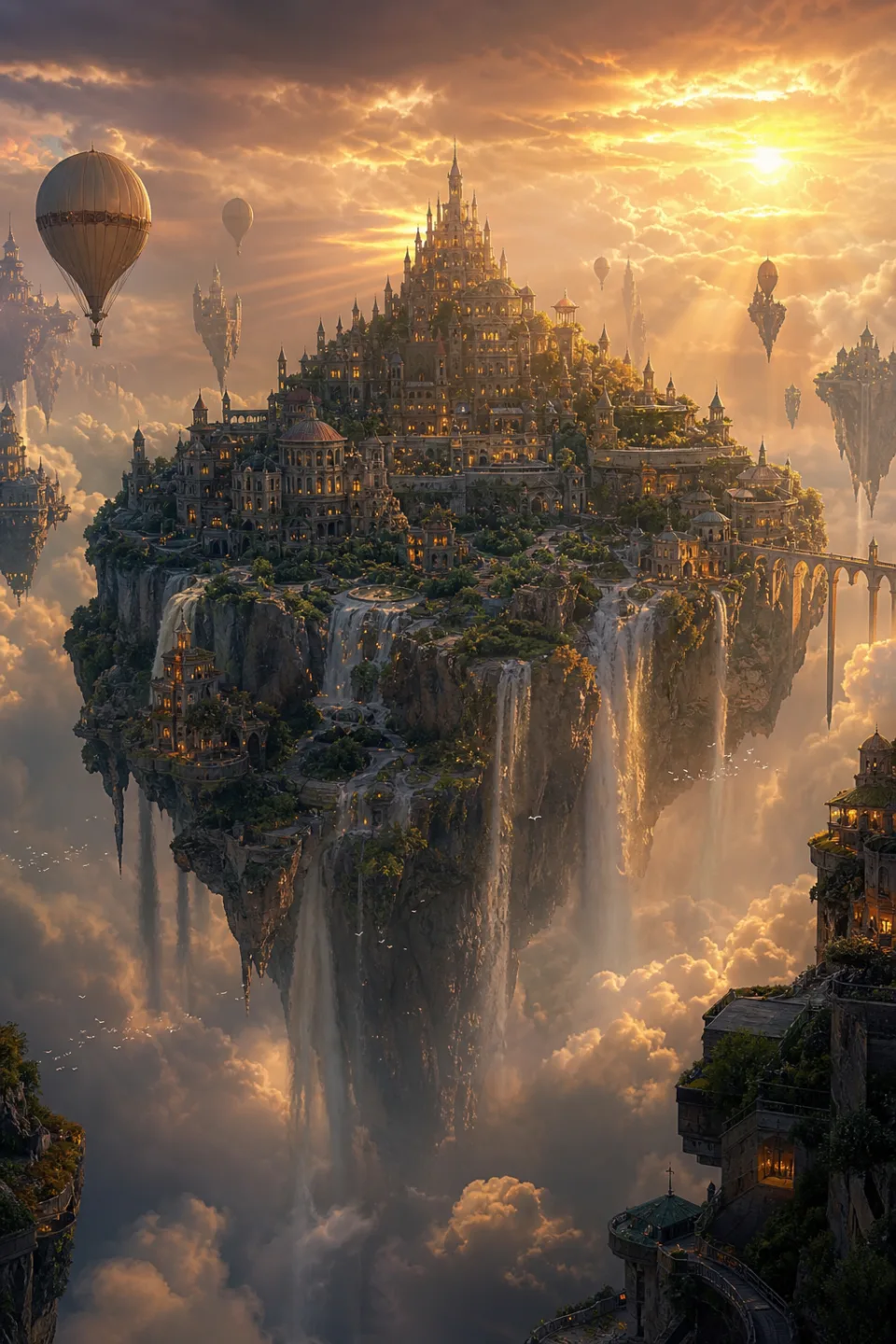
Enhance everything.
Supervividly.
Upscale video and images to native 4K — recover detail, restore faces, and erase compression artifacts.
- Up to native 4K
- Video & image
- Face restoration
- Batch processing
Sharper, everywhere
From thumbnail to theater screen.
Video to 4K
Take any generation — or old footage — to crisp native 4K, ready for the big screen.
Images past 4K
Push stills to print resolution with detail that holds up under a loupe.
Face restoration
Rebuild soft or compressed faces with natural skin texture, not plastic smoothing.
Detail generation
Recover plausible texture — fabric weave, foliage, brickwork — where pixels ran out.
Denoise & deblock
Strip compression artifacts and sensor noise without smearing the edges.
Batch processing
Queue a whole folder and let it churn — every file held to the same quality bar.
Low-res to flawless
Drop in your file
Video or image, any resolution — even old, heavily compressed footage.
Choose the target
2×, 4×, or straight to 4K. Toggle face restoration and denoise as needed.
Compare & download
Check the side-by-side preview, then export clean files, watermark-free.
Questions, answered
Everything you need to know before your first render. Can't find what you're looking for?
Talk to supportHow high can it upscale?
Video goes up to native 4K. Images can go further — up to 4× the source resolution — which is enough for large-format print from a typical generation.
Does it invent detail or just sharpen?
Both. Beyond sharpening, the model generates plausible fine texture — skin, fabric, foliage — where the source simply didn't have the pixels.
Can it fix old or compressed footage?
Yes. Denoise and deblock passes remove compression artifacts before the upscale, which is exactly what old phone clips and web rips need.
How long does an upscale take?
Images finish in seconds. Video depends on length and target resolution — a 10-second clip to 4K typically lands in about a minute.
Is the upscaler included in my plan?
Yes. It uses the same credit pool as every other tool — no separate add-on.
Create anything.
Supervividly.
Video, images, and music — every frontier model in one place, starting with free credits every day.
No credit card required